How to spot a phishing email: the 30-second check that still works in 2026
Scam emails now come in flawless English with the right logo. The old advice about typos does not help anymore. Three questions that still work.
Spotting a phishing email used to be simple: broken English, an odd greeting, a pixelated logo. That is over. Scam emails today are generated by machines, in flawless language, with the correct logo and a matching subject line. The good news: there are three questions that still work – and they take less than half a minute.
Quick answer
The 30-second check comes down to three questions:
- Was I expecting this? If the email comes out of nowhere, be cautious – no matter how genuine it looks.
- Where does the link actually go? Do not look at the link text, look at the real destination. What matters is the name right before the first single slash.
- Am I being pressured? A deadline, a suspension, a final warning – pressure is the attacker's most important tool.
Two "yes" answers on questions 2 and 3, or a "no" on question 1: do not click.
Why the old advice about typos no longer helps
For years, the standard advice was: watch out for typos and bad translations. By now that is not just useless, it is dangerous – because it creates a false sense of safety.
Scam emails today are mostly machine-written. They are linguistically flawless, use the correct greeting, and often build on something real: an order you actually placed, a parcel that really is on its way, an invoice that fits your everyday life.
Anyone looking for mistakes in 2026 will not find any – and will click.
What follows from that: stop relying on how an email looks. Check what it wants and where it leads.
Question 1: Was I expecting this?
The simplest and most effective question. An invoice from a provider you never bought anything from. A parcel notification even though you ordered nothing. A warning from your bank even though everything is running normally.
Unexpected does not automatically mean fake. But unexpected does mean: check first, act second.
And this matters a lot: the display name in your inbox is freely chosen by the sender. It can say "Bank", "DHL" or "Microsoft" while the actual address behind it says something completely different. On your phone, tap the name to reveal the full sender address – the display name alone tells you nothing.
Question 2: Where does the link actually go?
This is the core of the whole thing, and it is where most people go wrong.
- On a computer: hover the mouse over the link without clicking. The real destination appears in the bottom-left corner of the window.
- On a phone: long-press the link instead of tapping it. A preview opens showing the full address.
And now the part almost nobody gets right: you read an address like this from right to left.
What matters is the name directly before the first single slash:
- https://www.mybank.com/login → belongs to mybank.com. Genuine.
- https://mybank.security-update.com/login → belongs to security-update.com. Fake. "mybank" here is just a prefix anyone can make up.
- https://mybank-online-portal.info/… → belongs to mybank-online-portal.info. Fake.
Everything before the actual name is arbitrary. Only the part directly before the first slash counts.
Two things that prove nothing here:
- The padlock icon and "https". That only means the connection is encrypted – not that the site is honest. Scam sites have this by default today.
- A shortened link (bit.ly and similar). You cannot see the destination at all. In an unexpected email, a shortened link is a warning sign in itself.
Question 3: Am I being pressured?
Scams run on urgency. Someone who stops to think does not click. That is why these emails almost always contain a version of one of these lines:
- "Your account will be suspended in 24 hours."
- "Final notice before collections."
- "Unusual sign-in – please confirm immediately."
- "Your parcel cannot be delivered, pay the customs fee now."
Real companies do not set hour-long deadlines by email, and your bank will never ask for your login details, PIN or TAN by email. Never.
Combined with question 1, that is almost everything you need: unexpected plus urgent is practically always a scam attempt.
The newer tricks: QR codes and phone calls
Two variants have clearly increased recently, and both bypass the classic protections.
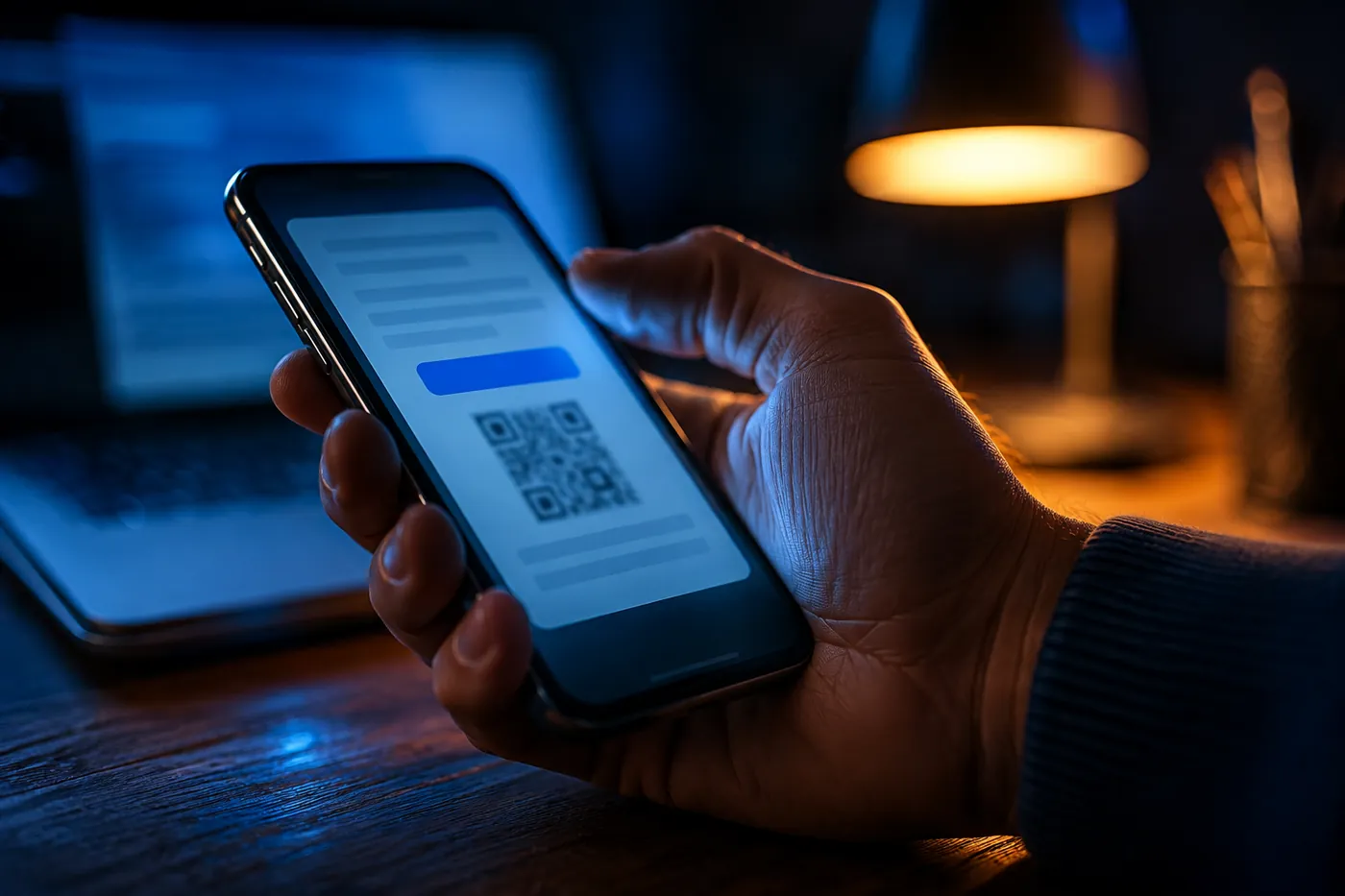
QR codes in emails, PDFs and letters. Instead of a link, the message contains a QR code. That gives attackers two advantages: filter software cannot read a suspicious link inside an image, and you switch to your phone to scan it – where the address is poorly visible and protection is usually weaker. Such codes are now even turning up on fake payment demands sent on paper.
Rule: never scan a QR code from an unexpected message. And if you do scan one, read the address in the preview before you confirm anything.
Calls with a familiar voice. Voices can now be cloned from just a few seconds of audio. Recognizing someone by their voice is no longer enough.
Rule: for any phone request for a payment or personal data, hang up and call back yourself – using the number you already know, not the one you were just given.
The single most effective reflex
If you take just one thing away from this article, make it this:
Never click the link in the email. Go there yourself.
Open your browser, type in the address of your bank, your shop or your courier yourself, or use a saved bookmark, and log in there. If the problem is real, you will find the notice inside your account. If there is nothing there, the email was fake.
This one reflex makes practically every phishing email harmless – no matter how well it is made. And it costs you ten seconds more than clicking.
You already clicked: what now?
No reason to panic, but order matters now.
- Only opened the page, entered nothing? In most cases nothing happened. Close the tab and move on. If a download started on its own, do not open the file – delete it.
- Entered your login details? Change the password immediately – from a different device, in case the computer itself is compromised. If you reuse that password anywhere else, change it there too. That is the most common follow-on damage.
- Set up two-factor authentication wherever you can. That makes a stolen password alone often useless.
- Gave away banking details or a TAN? Call your bank right away and have the account blocked. Do not wait until tomorrow.
- Opened an attachment or ran a program? Disconnect the device from the network – Wi-Fi off, cable out – and stop working on it. From here on, getting outside help before you overwrite anything is worth it.
- Reporting the fraud to the police is possible and worthwhile if money changed hands.
Conclusion
In 2026 you no longer recognize a phishing email by how it looks, but by how it behaves: unexpected, urgent, with a link or QR code leading to a login page. Three questions are enough – expected, where does the link lead, am I being pushed.
And if you are unsure, the simplest rule applies: do not click, go there yourself instead. A message that is genuinely important will still be waiting when you log in normally.
Frequently asked questions
Is it already dangerous to just open a phishing email? Usually not. It becomes dangerous when you click a link, open an attachment, or enter data anywhere. Simply reading it is not a problem in ordinary mail programs.
How can I tell if a sender address is genuine? Do not look at the display name, look at the full address – specifically the part after the @. That is also read from right to left: [email protected] is plausible, [email protected] belongs to secure-login.com and is fake.
Is antivirus software enough protection? It helps, but it is not enough. Phishing does not attack software, it attacks your attention. No program can do anything against a fake login page where you willingly type in your password.
What should I do with a phishing email once I have spotted it? Do not reply, do not click, do not forward it. Mark it as spam or phishing in your mail program and delete it. If you want, you can report it to the affected company through their official contact page.
I received a letter with a QR code in the post – could that be a scam too? Yes, that happens. Fake payment demands with a QR code are now also being sent on paper. Do not scan the code – contact the supposed sender directly, using a number or address you looked up yourself.