
Repair your PC or buy a new one? The honest rule of thumb
Your computer is acting up and you are wondering whether a repair is even worth it. With one simple rule of thumb and four questions you reach a clear answer in five minutes — without anyone trying to sell you something.
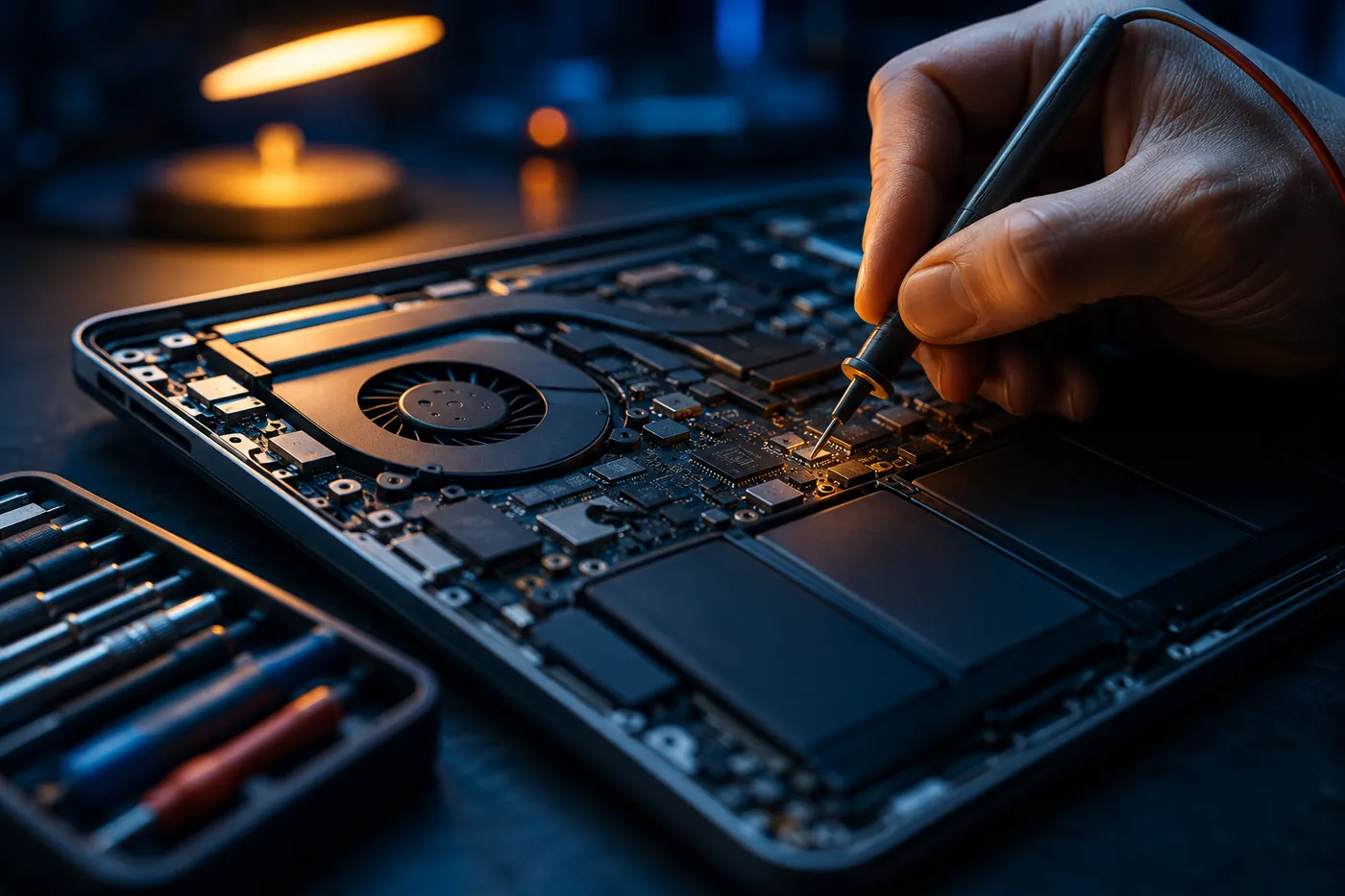
Sooner or later, everyone faces this question: the computer is slow, loud or will not turn on at all — is a repair still worth it, or does a new device make more sense? The honest answer is: it depends. But not on a gut feeling, rather on four things you can go through yourself in just a few minutes.
The rule of thumb: the 50 percent line
As a rough guide, we use one simple rule: if the repair costs more than half of an equivalent new device, buying new becomes worth considering. If it stays below that, a repair is usually worth it. This rule is not a law of nature, but it prevents the two most common mistakes — throwing away an almost-new device, or repeatedly pouring money into a ten-year-old machine.
One thing to keep in mind: compare against an equivalent device, not the cheapest offer in the flyer. A notebook for €300 is no replacement for a €900 work machine.
Question 1: How old is the device?
Age is the single most important factor. As a rough guide:
- Under 4 years: a repair is almost always worth it.
- 4 to 7 years: it depends on the damage — this is where the rule of thumb helps.
- Over 7 years: a repair only makes sense for small, inexpensive defects.
Question 2: What exactly is broken?
Not every defect is equally expensive. Some repairs are almost always economical, others rarely:
- Usually worth it: memory, hard drive or SSD, power supply, fan, battery, keyboard.
- Often borderline: the display on older notebooks, a power jack with motherboard damage.
- Rarely worth it: a total motherboard failure or water damage on an old device.
The catch: you cannot see this from the outside. That is exactly what the diagnosis is for — only afterwards is it clear whether it is a €60 problem or a write-off.
Question 3: Is the performance still enough for you?
If the computer was enough for your work before the defect, there is a strong case for a repair — often with a targeted upgrade, such as to an SSD. If it was already too slow for you beforehand, a repair only solves half the problem. In that case, the defect is more of a good moment for a new device.
Question 4: How important is your data?
One point that is often forgotten: with a new purchase, your data has to come along. Photos, documents, e-mails, programs and licenses do not move to the new device on their own. Factor in that effort — and it is best to back up important files before a device fails completely.
On sustainability
A repaired device is almost always the more environmentally friendly choice. A computer that keeps running for another three years saves the entire manufacturing of a new one. When a repair and a new purchase cost roughly the same, that is the argument that tips the scales for us.
Our approach: clarity first, then decide
We tell you honestly when a repair is no longer worth it — even when we earn nothing from it. The process is simple: you briefly describe the problem, we identify the fault, and you get a transparent quote up front. Only then do you decide. The on-site diagnosis costs €20, travel is billed based on time and charged from €25. We get back to you within 24 hours.
In short
- Repair more than 50 % of an equivalent new device? Consider buying new.
- Device under 4 years old? A repair almost always pays off.
- Small parts like an SSD, battery or fan? Almost always economical.
- Already too slow before the defect? A good moment for a new device.
- Do not forget the data and the effort of moving it.
Not sure which category your device falls into? Then drop us a line about what is going on — we will tell you honestly whether the effort is worth it.
Frequently asked questions
What does a diagnosis at Blekic Services cost? The on-site diagnosis costs €20. Before every repair you get a transparent quote — there are no hidden costs.
From what age is a PC repair no longer worth it? There is no fixed limit. Under four years it is almost always worth it; over seven years usually only for small, inexpensive defects. What matters is the damage and the price relative to an equivalent new device.
Can I keep my data if I buy a new device? As a rule, yes. As long as the storage medium is not destroyed, data can be backed up and transferred to the new device. For faulty hard drives and SSDs, we attempt recovery wherever it is technically possible.
How quickly will I hear back? We get back to you within 24 hours. You can reach us Monday to Saturday from 07:00 to 18:00.