PC too slow? 5 quick fixes that actually help
Your computer takes forever to boot and stutters on every click? Before you think about buying a new one, these five steps often bring back noticeable speed — and most of them cost nothing.
A slow machine is rarely a reason for an expensive new purchase. In the vast majority of cases, a few specific things are dragging the system down — and they can be fixed. Here are the five measures that most often do the trick in our workshop in Berlin Pankow.
1. Clean up your startup programs
Many programs quietly launch at boot and then run permanently in the background. In the Task Manager (the "Startup" tab) you can see what launches and disable what you do not need. That alone often shortens boot time considerably.
2. Free up storage space
When the drive is nearly full, everything gets sluggish. As a rule of thumb, keep at least 15 % free. These give you the most back:
- Empty the recycle bin and delete old downloads
- Uninstall programs you no longer use
- Move large files (videos, backups) to an external drive
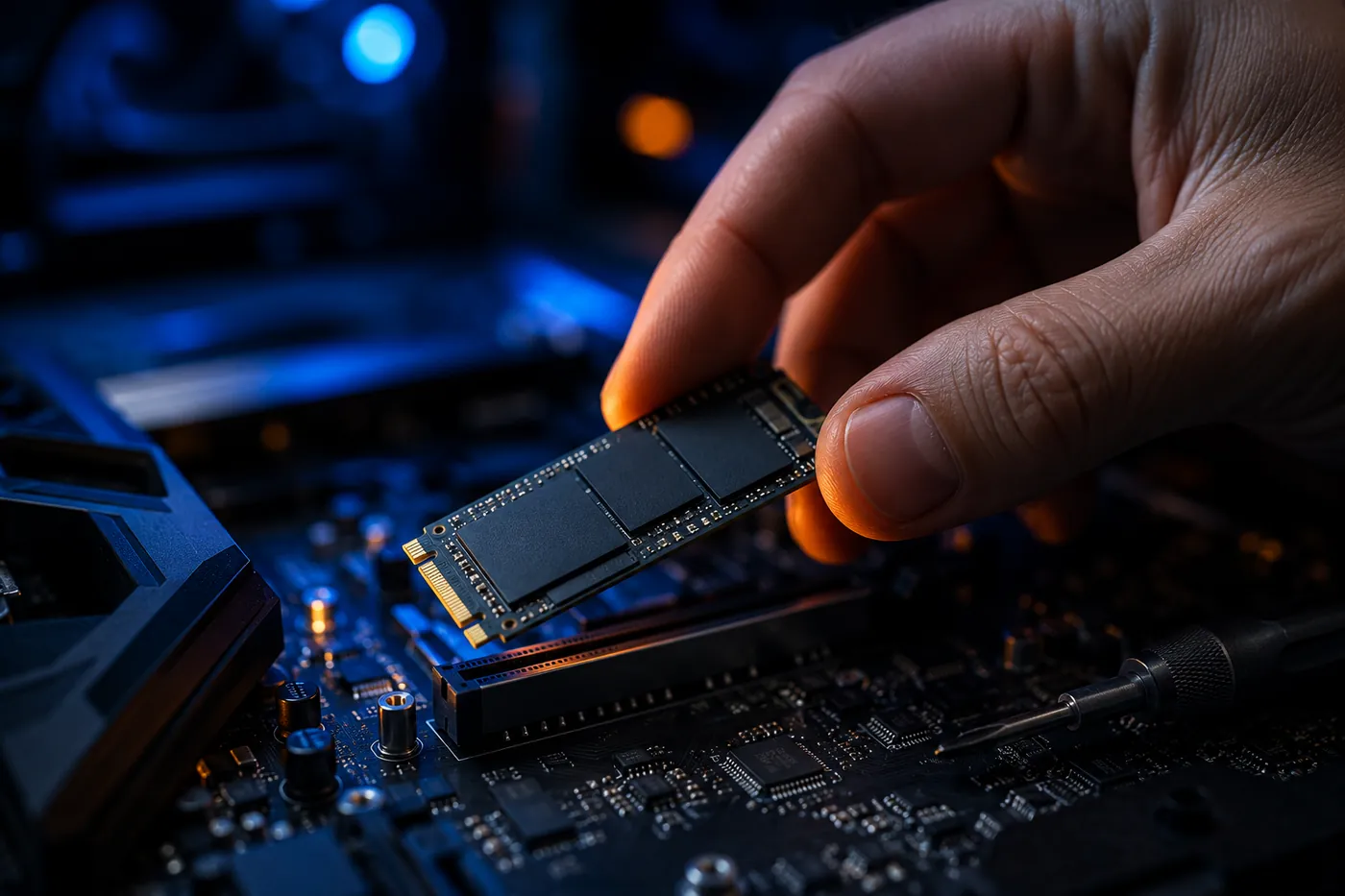
3. The one upgrade that changes everything: an SSD
If your PC still has a classic hard drive (HDD), switching to an SSD is by far the biggest leap. The computer boots in seconds instead of minutes and programs open without delay. This upgrade is almost always worth it, even on older machines.
4. Scan for malware
Sudden slowness, pop-ups or a fan spinning for no reason can point to viruses or unwanted software. A proper virus scan brings clarity — and peace of mind.
5. Get the dust out
It sounds trivial but it matters: dusty fans cause overheating, and a hot processor throttles itself. A proper cleaning often brings back both quiet and speed.
Still nothing?
If your PC is still crawling after all this, we are happy to take a look — an on-site diagnosis costs €20. Before any repair you get a transparent quote. Often a targeted upgrade is all it takes to make the device feel new again.